
 be extraordinary
Managed IT Services for Los Angeles Law Firms
Protect client information, reduce daily interruptions, and get clear technology guidance from an IT partner that understands how law firms actually work.
Your clients trust you with sensitive information. Your technology should support that responsibility without slowing your firm down, creating avoidable risk, or forcing your attorneys and staff to become their own IT department.



"I one million percent recommend Xentric Solutions for your law firm!"
Karla WaymireWaymire Law Group, APCYour law firm may have legal software, but that does not mean your technology is managed.
Xentric Solutions provides managed IT services for Los Angeles law firms, including helpdesk support, cybersecurity, backup and disaster recovery, Microsoft 365 management, secure remote access, business phones, vendor coordination, and IT planning.
We help law firms protect client information, reduce avoidable interruptions, support attorneys who work remotely, and make better technology decisions with a technology partner that understands the pace and pressure of legal work.
the problem
Most law firm IT problems start quietly
Most firms do not realize their IT is under-managed until something breaks. A backup was never tested. A workstation was overdue for replacement. Remote access was held together with workarounds. Security settings were inconsistent from one device to another. Nobody was reporting on it, planning for it, or explaining what needed attention.
Then something happens.
A hacked email account. A missing file. A ransomware scare. A server failure before a deadline. A staff member clicks a link that looked legitimate. Suddenly, the firm is not just dealing with an IT problem. It is dealing with client communication, lost time, stress, and uncertainty.
The most common thing firms realize at that point is simple:
They thought they were covered. They just did not know what was missing.
Quiet IT problems become expensive problems
Quiet problem: Untested backups
What it can turn into: Panic during ransomware, deletion, or hardware failure
Quiet problem: Aging equipment
What it can turn into: Surprise expenses and avoidable downtime
Quiet problem: Poor documentation
What it can turn into: Every issue starts from scratch
Quiet problem: Remote workarounds
What it can turn into: Convenience that creates risk
Quiet problem: No planning
What it can turn into: Technology decisions made under pressure
the case management gap
Your legal software is not your IT department
If your case management platform is working, it is easy to feel like your technology is covered.
It is not.
Clio may manage your cases. NetDocuments may manage your documents. MyCase may help organize your matters, billing, and client communication. But those platforms do not manage the full technology environment your firm depends on every day.
They do not manage your computers. They do not configure Microsoft 365. They do not test your backups. They do not secure your email. They do not manage your user accounts, phones, printers, network, devices, or remote access. They do not make sure a former employee is fully offboarded. They do not train your staff to recognize phishing or wire fraud attempts.
And when something goes wrong outside their platform, their support team cannot help you. That is the gap many firms do not see until there is a problem.
Xentric manages the technology around your legal software, coordinates with vendors when needed, and helps make sure the systems your firm relies on are supported, secured, documented, and planned.
Your legal software may run a big part of your firm.
But your firm does not run on software alone.
Your legal software vendor usually supports:
- Issues inside their platform
- Software-specific settings
- Their application uptime and support
- Product documentation or platform training
Xentric manages and supports:
- Computers, devices, users, and access
- Microsoft 365, email, Teams, SharePoint, and OneDrive
- Backup, recovery, security, and remote access
- Vendor coordination and technology planning
- The technology environment that software depends on
the stakes
Law firms cannot treat IT like a generic office utility
Law involves document-heavy work, tight deadlines, confidential information, client communication, financial details, and a constant need for secure access. That changes what "good IT support" needs to look like.
California attorneys have responsibilities tied to competence and confidential client information. In practical terms, those responsibilities now touch the systems your firm uses every day: email, cloud storage, remote access, document sharing, user accounts, mobile devices, and every computer your attorneys and staff rely on.
That does not mean you need to become an IT expert. It means your firm needs technology decisions, security controls, and support processes that reflect the realities of legal work, not a one-size-fits-all office setup.
Beyond the professional obligations, there is the practical reality: your reputation is built on trust. A hacked email account, leaked document, wire fraud attempt, or ransomware event can damage a client relationship that took years to build. The size of your firm does not change how that looks from the outside.
outcomes
What well-managed IT looks like for your firm
Good IT should reduce the number of surprises your firm has to deal with.
Start a conversation
Keep the work moving
Fewer interruptions for attorneys and staff.
- •Secure access from anywhere
- •Faster support
- •Planned hardware replacement
Stay in control
Cleaner access, stronger security, and recoverable data.
- •Cleaner permissions
- •Consistent security
- •Tested backups
Support what comes next
Technology that can grow with your firm.
- •New attorneys onboard cleanly
- •New offices are planned instead of improvised
- •Technology decisions happen before they become urgent
what we offer
Some of the ways we support law firms
Your firm does not need a pile of disconnected tools. It needs a managed technology environment where support, security, backup, access, communication, and planning work together.
Helpdesk and employee support
When something is not working, your attorneys and staff can reach us directly. They get timely support, clear answers, and practical communication without technical runaround.
Workstation, server, and network management
We monitor, maintain, and update the equipment your firm runs on. When hardware is aging, performance is slipping, or something needs attention, you hear about it before it becomes a crisis.
Microsoft 365 and email management
We manage Microsoft 365 licensing, configuration, email security, Teams, SharePoint, OneDrive, user accounts, permissions, and the security settings many firms leave at defaults.
Cybersecurity and access protection
We use layered controls to help protect your firm's accounts, devices, users, email, and data — including MFA, endpoint protection, DNS filtering, email security, and monitoring.
Backup and disaster recovery
A backup is not a backup until recovery has been tested. We help design, monitor, and review backup systems so your firm is not relying on assumptions when something goes wrong.
Secure remote access
Attorneys need to work from home, court, client locations, and multiple offices. We help make that possible without relying on shared passwords, unmanaged devices, or risky shortcuts.
Legal software and vendor coordination
We support the environment around platforms like Clio, NetDocuments, MyCase, PracticePanther, Smokeball, and others, and coordinate when issues overlap.
Secure document sharing
Email is not always the right place for sensitive document exchange. We help firms use more controlled ways to share files, manage access, and reduce unnecessary exposure.
Business phones and communication
Through Xennect, we provide managed VoIP business phone service with call routing, mobile app access, voicemail, menu trees, and ongoing support.
Lifecycle planning and IT reviews
We track your hardware, review your setup, flag what is coming, and help plan technology decisions around your firm's direction.
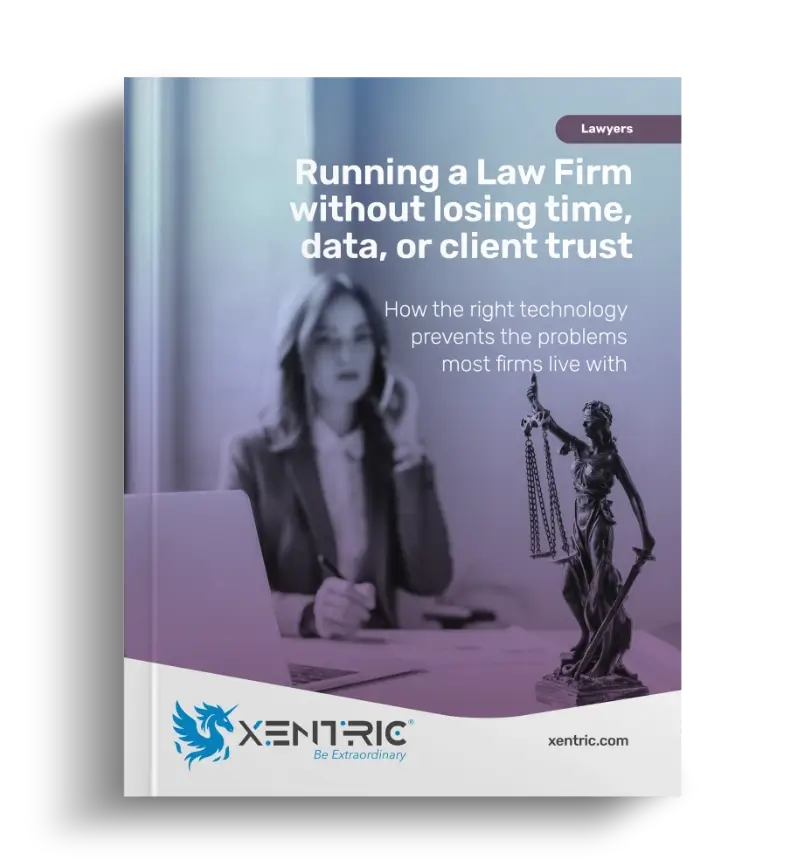
Want a clearer picture of what law firm IT should actually cover?
Download our guide, Running a Law Firm Without Losing Time, Data, or Client Trust, and learn how the right technology helps prevent the issues most firms live with every day.
communication and clarity
IT should not feel like one more case your firm has to manage
Your staff should not be explaining the same issue twice, guessing who to call, chasing a provider for an update, or wondering whether anyone is actually watching the environment.
That is the hidden cost of reactive IT.
Small issues keep returning because nobody is looking at the bigger pattern. Even when tickets eventually get resolved, the firm still loses time, focus, and confidence. Attorneys get pulled into technology conversations they should not have to manage. Staff members become the unofficial IT coordinator.
We take a managed approach so your firm is not left holding the pieces together. We document your environment, track your assets, communicate through tickets and projects, and review what needs attention before it turns into a surprise.

What law firms often experience
- "We never know what is happening."
- "Nobody warned us this was aging out."
- "Every issue starts from scratch."
- "We only hear from IT when something breaks."
- "Our staff keeps playing IT."
What Xentric provides
- ✓Clear updates on tickets, projects, and next steps
- ✓Hardware lifecycle tracking and planning
- ✓Documentation, history, and continuity
- ✓Recurring reviews and proactive recommendations
- ✓Direct support for attorneys and employees

what we offer
Law firms choose partners through trust
Many of our law firm relationships started because one attorney referred another attorney to us. That matters because law firms are careful about who they trust with their systems, their client information, and their reputation.
We take that referral trust seriously, and we work to earn it through responsive support, clear communication, consistent follow-through, and long-term accountability.
- ✓Supporting Los Angeles law firms since 2014
- ✓Ranked CRN MSP 500 Pioneer 250 (Top 250 in North America serving SMBs)
- ✓Ranked Expertise Top 19 Managed IT Service Providers in Los Angeles
- ✓Law firm relationships built through referrals
"They have taken care of all our IT needs for years, including our phone systems. We have so much peace of mind knowing that we can reach out whenever we have a hiccup."

"Arthur and the team at Xentric Solutions respond quickly when an IT concern arises and get it resolved without causing my business’s services to be “down.” Arthur is knowledgeable, personable and conscientious of our budget. All my staff adore him for being there for us when we need tech help!"
"My firm is extremely lucky with having Xentric Solutions as our IT company. They have assisted us in every aspect of our business, especially during our firm’s growth and during the difficult Covid days, when we switched to paperless and were completely dependent on our IT team to assist us with the switch. I also feel very confident with our safety features in place with all the sensitive data we have in our files. I cannot recommend Xentric enough!"

"As a small business owner, I am impressed with the competitive prices, excellent professional service, and quick turn-around time with Xentric Solutions for all of my IT needs."

"We are so pleased and thankful for the outstanding service Arthur & his team have provided us since day 1."

"Xentric Solutions has been handling our IT needs for years. They are extremely helpful, responsive, professional and always looking out for our best interests. We don't know where we would be without their assistance and support."

how we move things forward
Getting started should feel clear, not complicated
Conversation
We talk through what is working, what is frustrating, and what feels risky or unclear.
Review
We look at your users, devices, Microsoft 365, security, backups, vendors, and support needs.
Plan
You get clear priorities, practical recommendations, and a realistic path forward.
Transition
We move support over carefully and start managing your environment with structure.
Start a conversation
"Super personalized experience. Communication was quick, easy, and to the point. As soon as I told Xentric my needs, they sent me the best options, and made sure that I was set up and ready to go ASAP."

faq
A few things you might be wondering
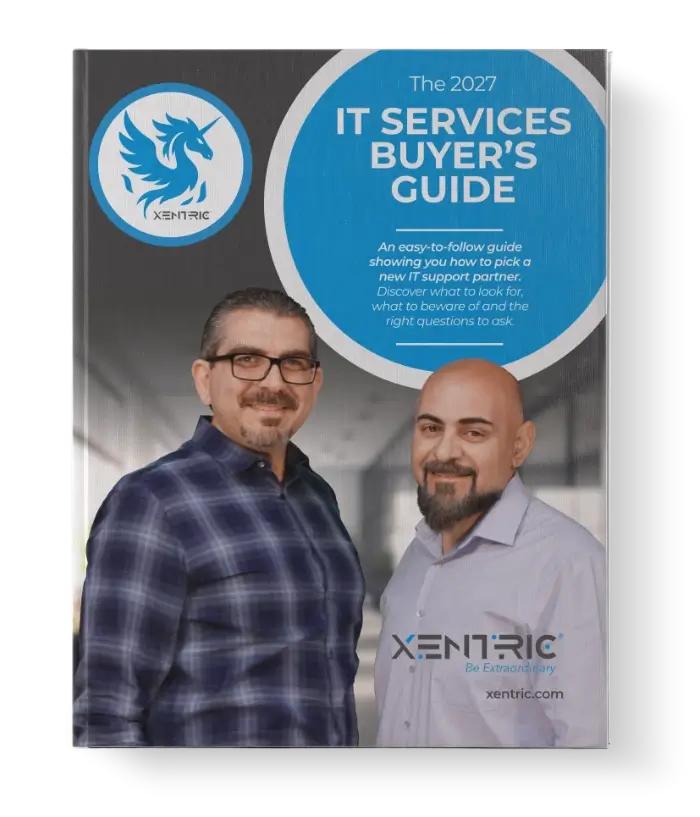
Your guide to finding the right IT support
Created to help you evaluate options more clearly, ask better questions, and make a more confident decision.
DOWNLOAD IT NOWNo strings attached
No email forms, registration, or personal details required.

If you want fewer surprises, clearer priorities, and IT that feels more manageable, let's talk.
15 minutes. No sales pitch. Just clarity.